Finding the right support for seniors who want to maintain their independence is a priority for many families. As people age, the risk of falls or medical emergencies increases, making it crucial to have reliable ways to call for help. A medical alert system offers peace of mind by ensuring that assistance is always within reach, whether at home or on the go. In this guide, we’ll break down the different types of systems, essential features, cost considerations, and practical steps to help you make an informed decision that matches your loved one’s lifestyle and health needs.
Understanding the Main Types: In-Home and Mobile Medical Alert Systems
Medical alert systems generally fall into two categories: in-home systems and mobile systems. Each type is designed to suit different lifestyles and needs, and understanding the differences is key to making the right choice.
In-Home Medical Alert Systems
These systems are intended for use within the home and typically connect to a landline or cellular network. They come with a base station and a wearable help button, such as a pendant or wristband. When the button is pressed, it sends a signal to the base station, which then contacts a monitoring center or emergency services.
- Pros:
- Simple setup and easy to use
- Reliable connection, especially with landline options
- Often more affordable than mobile systems
- Cons:
- Limited to the range of the base station (usually 400–1,000 feet)
- Not suitable for seniors who spend time outside the home
Mobile Medical Alert Systems
Mobile systems are designed for active seniors who leave the house regularly. These devices use cellular networks and often include GPS tracking to pinpoint the user’s location during an emergency. The help button is typically integrated into a portable device that can be worn or carried.
- Pros:
- Works anywhere with cellular coverage
- GPS allows responders to locate the user quickly
- Ideal for seniors who travel or are frequently outdoors
- Cons:
- Requires charging, so battery life must be monitored
- May have higher monthly fees
For a deeper look at how these systems compare to other safety options, you might find it helpful to explore the differences between medical alert systems vs home security systems.
Key Features to Consider When Selecting a System
When researching how to choose a medical alert system, it’s important to focus on features that enhance safety, reliability, and user comfort. Here are the most significant options to evaluate:
Fall Detection
Automatic fall detection uses sensors to identify when a fall has occurred and can trigger an alert even if the user is unable to press the help button. This feature is particularly valuable for seniors with mobility issues or a history of falls. According to information from Hebrew SeniorLife research, fall detection is a key safety enhancement, though it may not be 100% accurate in all situations.
GPS Tracking and Cellular Connectivity
For mobile systems, GPS tracking allows emergency responders to locate the user quickly, which is essential if the person is unable to communicate their location. Cellular connectivity ensures the device works wherever there is a signal, making it suitable for seniors who are often out and about.
Two-Way Communication
Most systems offer two-way voice communication, allowing the user to speak directly with a monitoring center or emergency contact. This feature provides reassurance and helps responders assess the situation more effectively.
Health Monitoring Integration
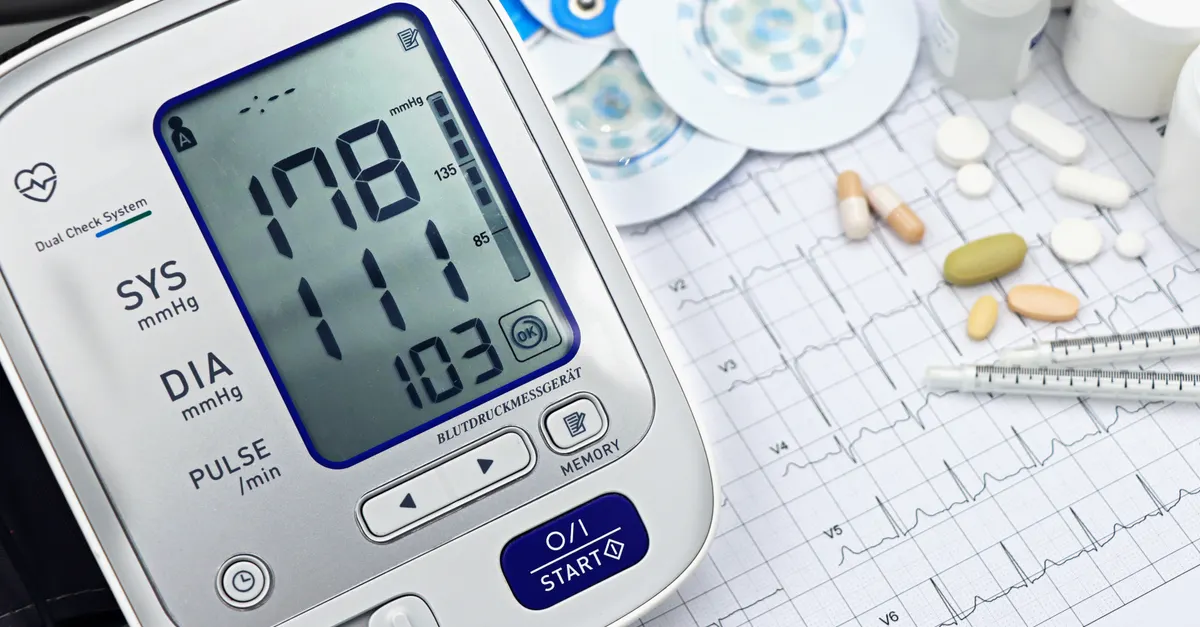
Some advanced systems can connect with health monitoring devices, such as blood pressure cuffs or glucose meters. This integration can be useful for seniors managing chronic conditions, as it allows caregivers or healthcare providers to monitor vital signs remotely.
Water Resistance
Since many accidents happen in the bathroom, it’s important to choose a device that is water-resistant or waterproof, so it can be worn in the shower or bath.
Battery Life and Charging
Consider how often the device needs to be charged and whether it offers low-battery alerts. In-home systems are usually plugged in, while mobile devices rely on rechargeable batteries.
Cost Considerations and Potential Hidden Fees
Understanding the financial side of medical alert systems is crucial, especially for those on a fixed income. Costs can vary widely depending on the type of system, features, and service provider.
Upfront and Monthly Costs
Most providers charge a monthly monitoring fee, which can range from $20 to $50 or more, depending on the features and whether the system is in-home or mobile. Some companies may also require an initial equipment fee or activation charge.
Hidden Fees to Watch For
- Activation or Installation Fees: Some companies charge a one-time fee to set up the system.
- Equipment Rental or Purchase: Clarify whether the device is rented or purchased outright, as this affects long-term costs.
- Additional User Fees: If more than one person in the household needs coverage, there may be extra charges.
- Cancellation Policies: Check for contract terms and cancellation fees if you decide to stop the service.
- Replacement Costs: Lost or damaged equipment may incur replacement fees.
Are There Systems Without Monthly Fees?
Some basic systems are available for a one-time purchase without ongoing fees, but these typically lack professional monitoring and may only contact pre-programmed numbers. Weigh the trade-offs between cost savings and the level of protection provided.
Evaluating Your Needs: How to Choose the Best Fit
Choosing the right system involves more than comparing features and prices. It’s about matching the device to the senior’s lifestyle, health status, and daily routine. Here’s how to approach the decision:
- Assess Mobility: Is the senior mostly at home, or do they travel and spend time outdoors? In-home systems work well for those who stay inside, while mobile systems are better for active lifestyles.
- Consider Health Conditions: Chronic illnesses, balance issues, or a history of falls may make features like fall detection and health monitoring integration more important.
- Ease of Use: The device should be simple to operate, with clear buttons and instructions. Seniors with vision or dexterity challenges may prefer larger buttons or voice-activated options.
- Support Network: Some systems allow family members or caregivers to receive alerts or check in remotely, which can be reassuring for everyone involved.
- Professional Advice: If you’re unsure which features are necessary, consult with a healthcare provider or geriatric specialist for recommendations tailored to your situation.
For those interested in broader health monitoring, you may want to explore how to choose remote health monitoring devices that can complement a medical alert system.
Maintaining Independence and Peace of Mind
The primary goal of a personal emergency response system is to support senior independence while providing reassurance to families. Knowing that help is just a button press away can encourage seniors to remain active and confident in their daily lives. Features like GPS, fall detection, and two-way communication all contribute to a sense of security, making it easier for seniors to maintain their routines and social connections.

Conclusion and Final Recommendations
Choosing a medical alert solution is a decision that should be guided by the senior’s lifestyle, health needs, and budget. Start by understanding the differences between in-home and mobile systems, then prioritize features that address your specific concerns—such as fall detection, GPS, and health monitoring. Carefully review all costs, including potential hidden fees, and don’t hesitate to seek professional advice if needed. By taking a thoughtful, informed approach, you can find a system that provides both safety and independence for your loved one.
Frequently Asked Questions
What features should I prioritize when selecting a medical alert system?
Key features to consider include fall detection, GPS tracking, two-way communication, water resistance, and integration with health monitoring devices. The importance of each feature depends on the user’s health, mobility, and daily routine.
How do in-home and mobile systems differ in terms of coverage?
In-home systems are designed to work within a specific range of a base station, usually covering the house and immediate surroundings. Mobile systems use cellular networks and GPS, offering protection wherever there’s coverage, making them ideal for seniors who are often outside the home.
Are there medical alert systems that don’t require monthly fees?
Yes, some systems can be purchased outright with no ongoing fees, but these typically do not include professional monitoring. They may only contact pre-set numbers and may lack advanced features like fall detection or GPS tracking.